INTRODUCTION
ETERNITY.BOT
A personal agent for making connections
Eternity.bot gave you a virtual clone of yourself: an AI agent that carried your profile and connected with other people’s agents to broker introductions, jobs and meetings on its own. I designed its mobile app, conversational onboarding, 30+ animated mascot states and visual identity from 0 to 1.
- WHAT
Give your personal AI agent a goal, like finding an investor or a collaborator, and get a nudge when it finds a match. Launched publicly before its rebrand to Ultra.ai.
- ROLE
Founding Staff Product Designer
About 5 min read
- SCOPE
App UI, Product Design, Onboarding, Branding, Motion, Pitch Decks
探すだけで一日が終わるより、今やっていることを話したら、誰かにつながるほうが面白い。
Idle mascot state triggers a turn-and-blink greeting when the agent surfaces a match, then settles beside the conversation prompt.
From Mainspace to Eternity
Henrik and I co-founded Mainspace at the Hetch Accelerator in Sweden. It asked people to browse profiles and groups to find collaborators, and that browsing felt like homework.

I stayed on Mainspace’s board and joined Henrik on Eternity.bot with a different idea: give an agent a goal and let it look for the connection.
- INTERNAL MAINSPACE SUBSCRIPTIONS
- 2.5k
My role
As Eternity.bot’s founding staff product designer, I owned the 0-to-1 mobile app across multiple product screens, the brand identity, logo and investor pitch deck.
Being the only designer between Henrik and our engineering agency meant a lot of context switching and translating: understanding both mental models and keeping both sides happy at once. When a design was beyond the agency’s bandwidth, I cut it to fit. The groups page lost its group creator, so only predefined groups made it into the app.
Giving the agent a personality
I wanted to get away from the static design of a chat box, which can’t tell you what an agent is doing. A mascot could add wayfinding and trust by humanizing the chat with warmth and playfulness. Across the twelve states shown below, the agent shifts between conversational cues (Winking, Nodding, Blinking, Talking), active search and thinking loops (Searching, Rotating, Thinking, Scanning), and expressive reactions (Happy, Laughing, Dizzy, Sleeping).
My bet was that an agent people could read at a glance would earn trust faster than a blank prompt box.
The character also exposed my own assumption. I first made the mascot the chat button because it carried the brand. Session recordings, user-testing interviews and over-the-shoulder observation all showed it, and so did the KPI we tracked, time from first action to a finished chat. People took too long to reach the chat because they expected the mascot to open their profile. I kept the character, gave the control a conventional chat bubble, and navigation read clearly.
- MASCOT STATES
- 30+
Twelve are shown below.
ちょっと動いて、ちょっと反応するだけで、ただの絵にも親しみが湧いてくる。
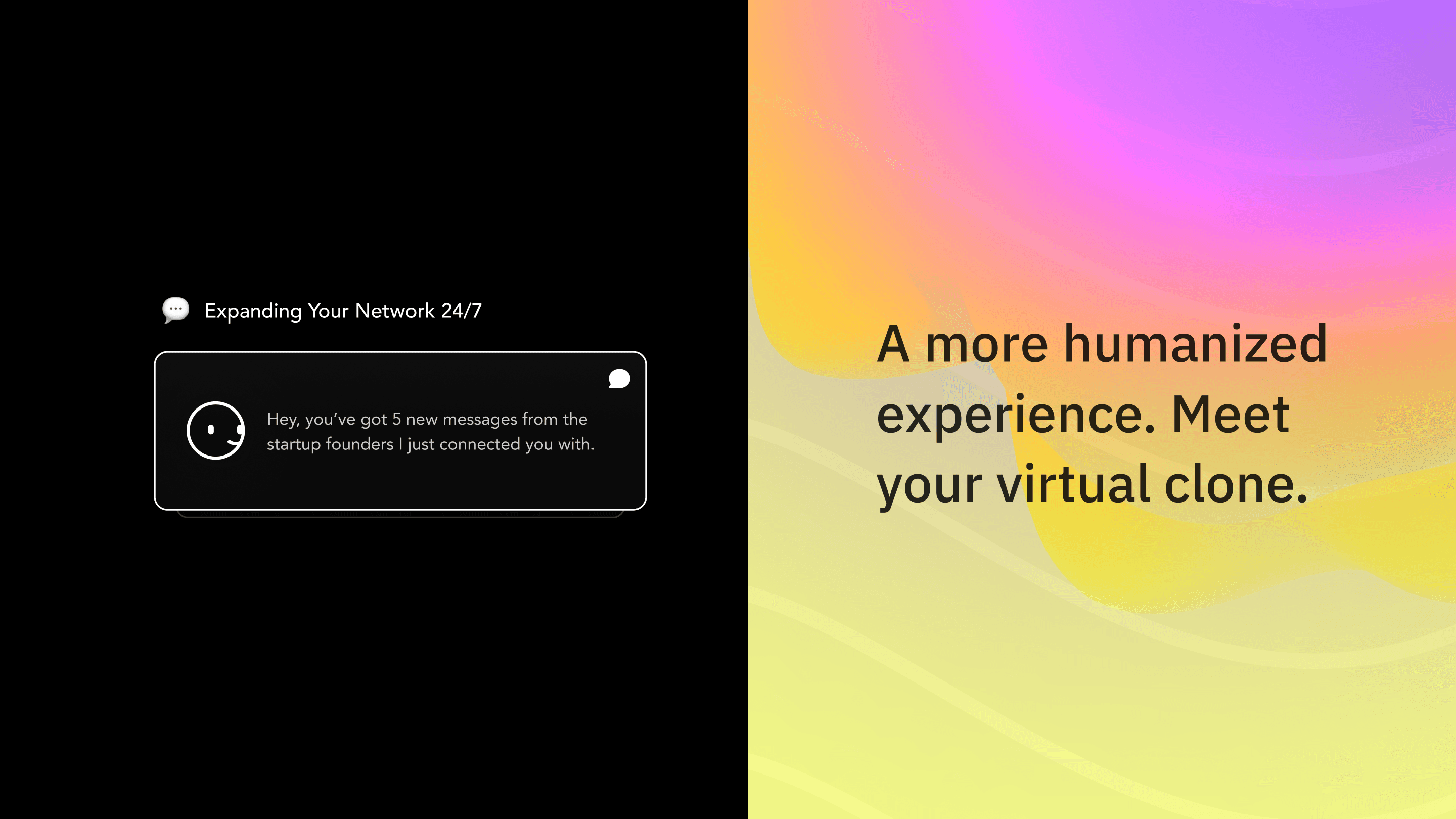
After scanning founder profiles, the mascot shifts from its searching loop into a notification with five unread matches.
First-time onboarding
Before the agent could help, people had to request a LinkedIn export, wait for it and upload it. Testers stalled there. I saw a bottleneck that would cause churn and pushed to let people in immediately, with the import optional, a later nudge and a dismissible banner. The trade-off was thinner AI context for your clone. I designed conversational onboarding with suggested answers people could tap: the agent asks your name in chat, confirms it with one-tap reply pills, introduces your virtual clone and lets you tap a starting goal. The structured form below was an early direction; the sign-in screens close this rail.
Use Left and Right arrow keys to browse; Home and End reach the first and last items. You can also swipe or drag.
Early exploration: structured form
I first explored a multi-step static form for industry and topic selection. Walking through both flows, the pickers felt like the directory homework we were leaving behind, so we kept goal selection in the conversation.
Use Left and Right arrow keys to browse; Home and End reach the first and last items. You can also swipe or drag.
Bringing people into the conversation
When the agent found a match, the screen had to answer three questions right away: who this person is, why the agent thinks you should talk, and how to break the ice.
AI matching breaks trust quickly when a black-box score links two people on a vague keyword or surfaces a sensitive goal they aren’t ready to share. I designed the 3D force-directed connection graph and Auto Reply handoff to keep people in control: every match exposes the shared topic or community edge that triggered it, and Auto Reply drafts stay editable and opt-in before any introduction is sent.
I rejected automatic background DMs and black-box match scores because nobody wants an AI messaging strangers on their behalf. Every match had to show the shared profile memory or community edge behind it, and keep Auto Reply drafts opt-in before a single word was sent.
つながり
人を探す画面にも、少しくらい人懐っこさがあっていいと思う。
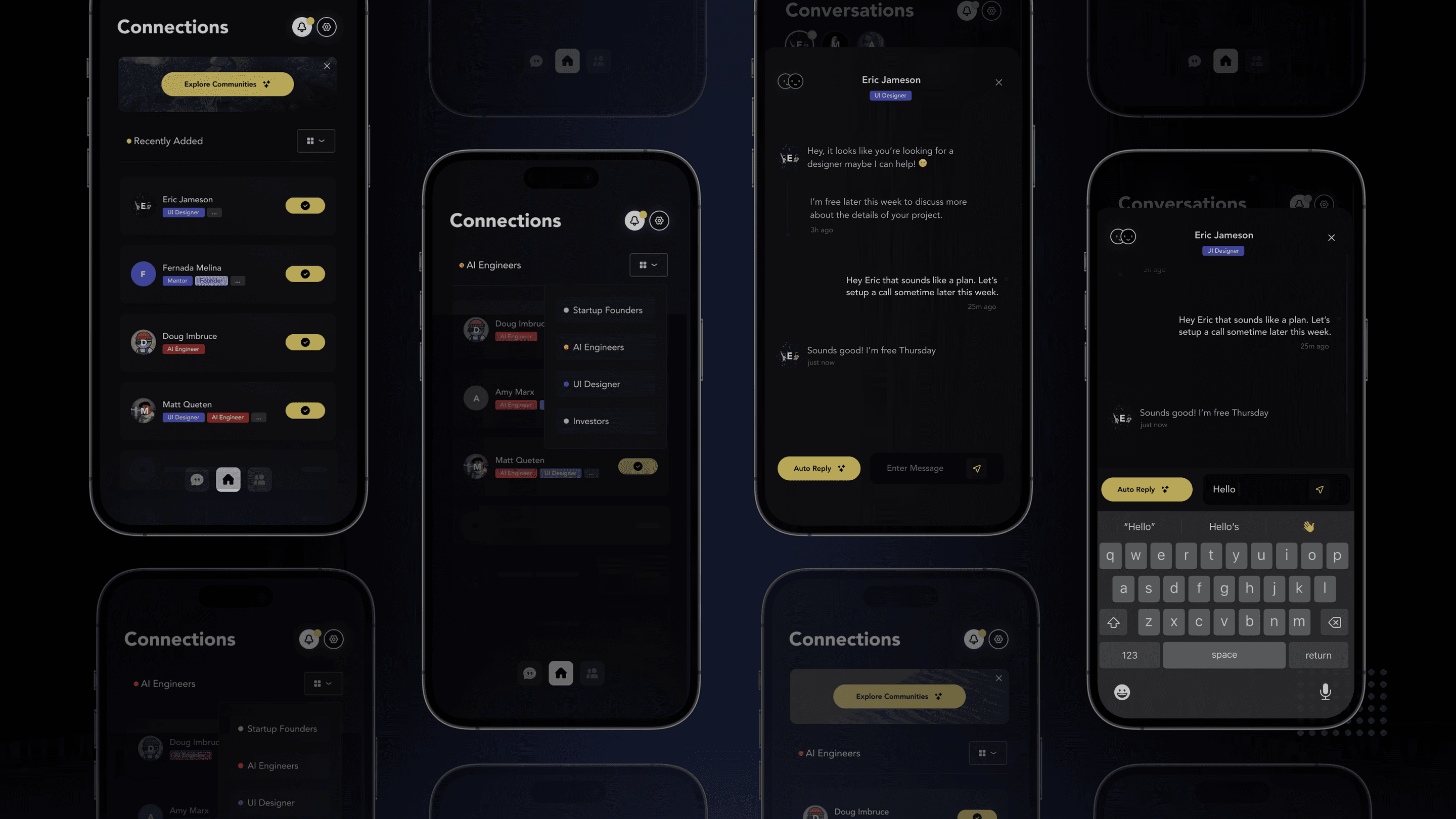
Filtering connections by role narrows the list to AI Engineers and Startup Founders, then opens Eric Jameson’s conversation with an editable Auto Reply draft.
A profile built for connection
Profiles are the agent’s working memory: people edit the tags, bio and status it carries into introductions, and review new matches with one-tap connect.




Use Left and Right arrow keys to browse; Home and End reach the first and last items. You can also swipe or drag.
Your agent, connections and communities
The home dashboard puts active agent tasks and unread matches beside communities and account syncing, so the agent searches with trusted context.
Use Left and Right arrow keys to browse; Home and End reach the first and last items. You can also swipe or drag.
From a match to a conversation
An accepted match moves straight into messages, where people talk themselves or review an opt-in Auto Reply draft.


Use Left and Right arrow keys to browse; Home and End reach the first and last items. You can also swipe or drag.
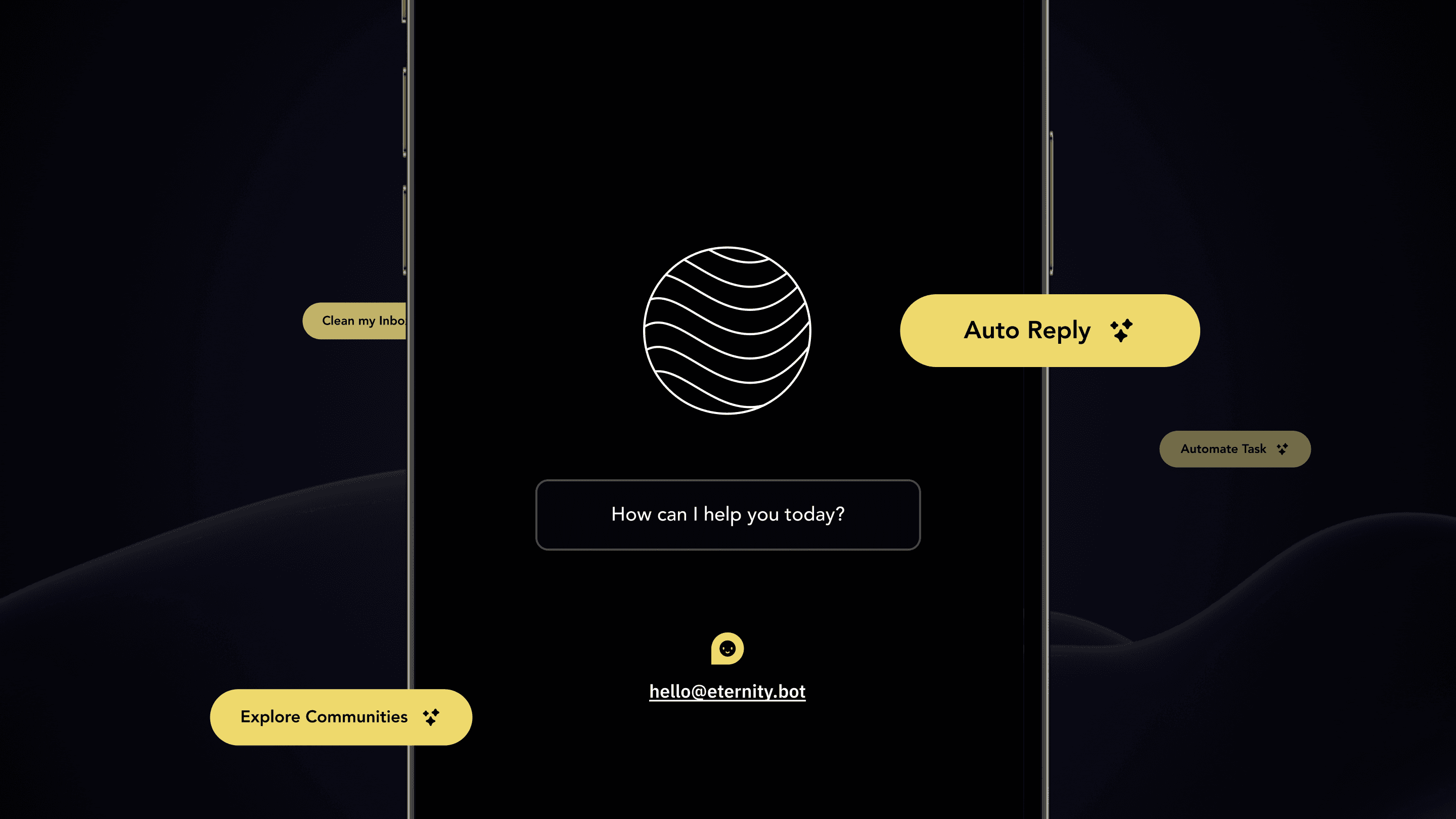
Scrolling in morphs the wave globe into the smiling mascot, types the greeting and settles beside the Auto Reply and community pills.
Personal agents, out in the world
Eternity launched publicly and was later renamed Ultra.ai. After I swapped the mascot button for a chat bubble and made the LinkedIn import optional, people reached their agent sooner. The mascot was a bet on trust we never measured.
Today I’d test the mascot’s controls with an LLM judge and human raters. Looking back, I designed every screen in order from login onward, which is a big ask. Next time I’d break it into features first and design each as its own piece, so the whole tells a more coherent story.
Team credits
Henrik JO Karlsson · Chief Executive Officer
Arvid Hellstrand · Chief Legal Officer
Chaitali Patel · Machine Learning Engineer
Henrik and I developed the concept together. He focused on business development and investors. An external engineering agency built most of the product; I built parts in production.
Sebastian Benzian · Chief Technology Officer
Matt Stenquist · Staff Product Designer
Doug Imbruce · Product Advisor
ABOUT

I’m Matt Stenquist, a Product Design Engineer and former professional snowboarder. I started coding at nine, shipped modded hardware and games by 16, and turned pro by 22. A few broken bones and a gold tooth later, I design and code consumer apps, Figma component systems, and AI developer tools from scratch.
LEARN MORE